
iPhone and Android
The whole business, in the pocket of the person doing the work.
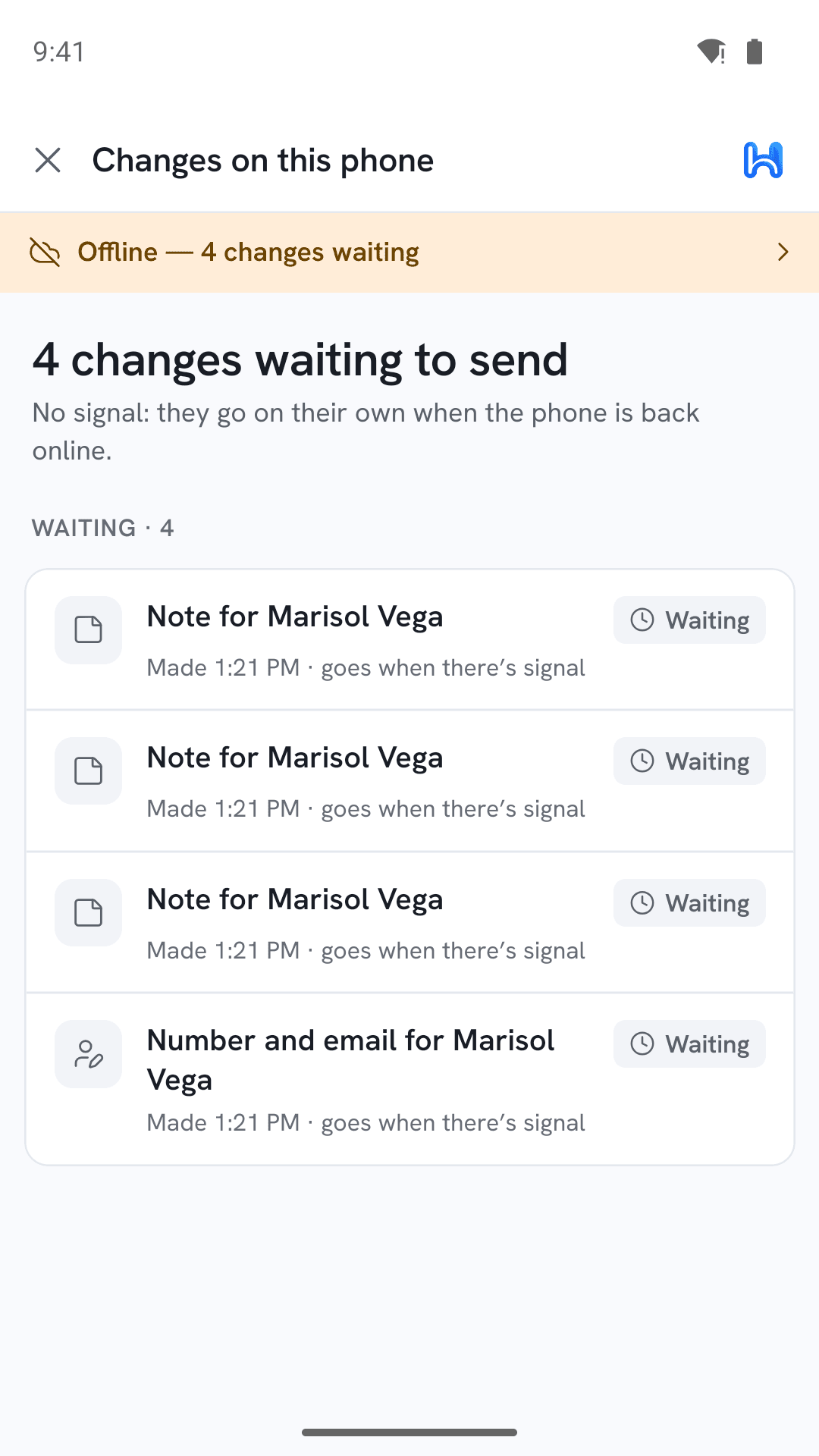
Not a website in a wrapper. Everything can be read and changed with no signal at all — in a basement, in a crawlspace, an hour out of town — and catches up the moment you have bars again.
Coming to the App Store and Google Play. The web app works on your phone in the meantime.
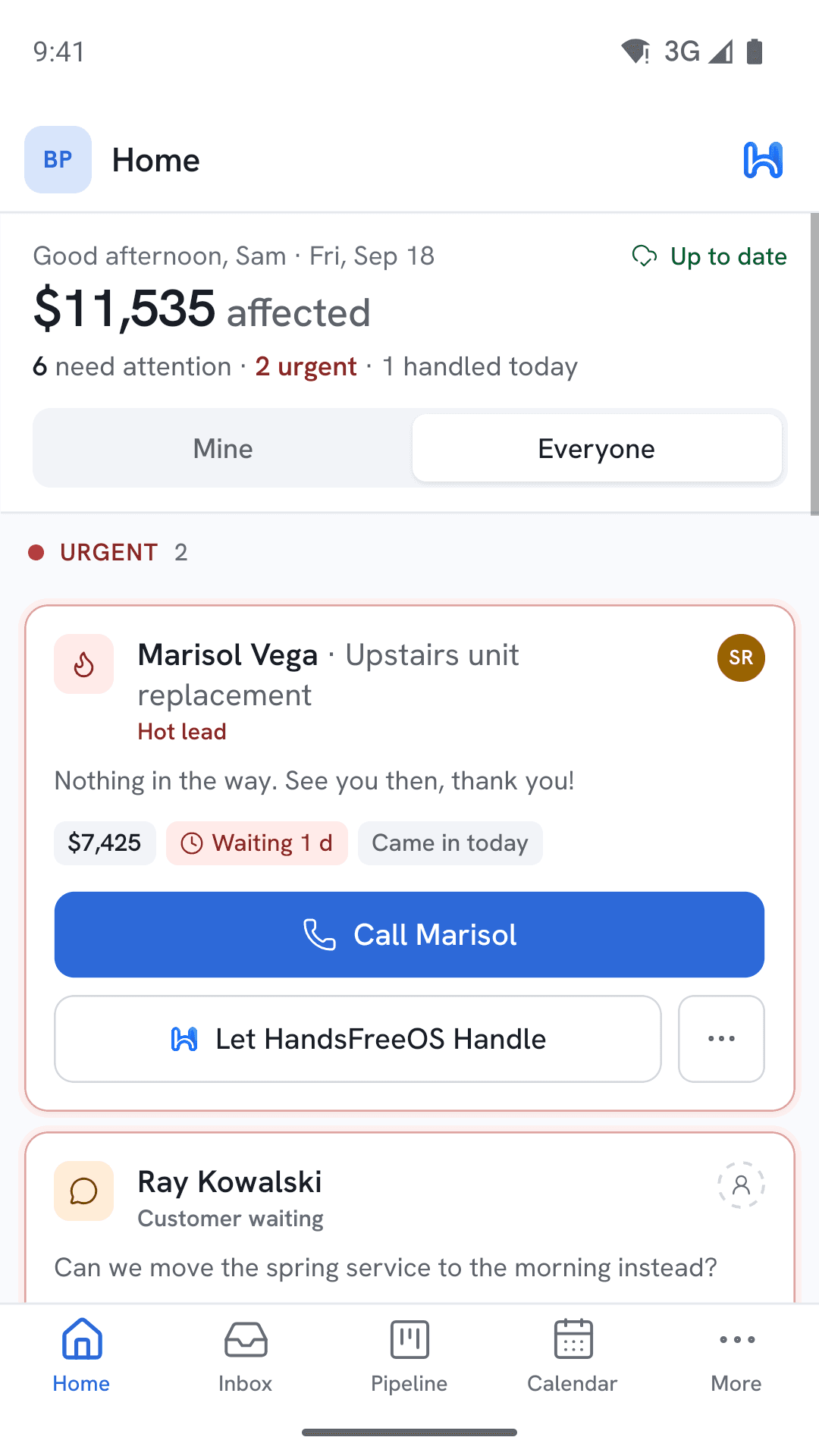
Built for a working day, not a desk.
The things that are different when the person using it is standing in someone's yard.
It works with no signal
Look up a customer, write a note, take photos, move a job, start an invoice. Nothing is greyed out. When the signal comes back it all syncs, and if two of you changed the same job, both changes are kept unless they are the very same field.
A text you wrote offline will not surprise a customer
Messages written with no signal send themselves if they get out within half an hour. After that the app asks "still send?" rather than firing off something that has gone stale.
Calls ring your actual phone
Calling a customer from the app dials through your own cell but shows your business number, so your personal number stays private and the call quality is your carrier, not the internet.
Notifications you can act on
A new lead comes through as a notification you can reply to, call back or hand to the AI without opening the app first.
Face ID and a code by email
Sign in with a code sent to your email, a password or a passkey, then unlock with your face. Nothing to remember on a job site.
Photos where they belong
Pictures of the unit, the panel, the damage — attached to the customer and the job, not lost in a camera roll with 4,000 other photos.
A look around
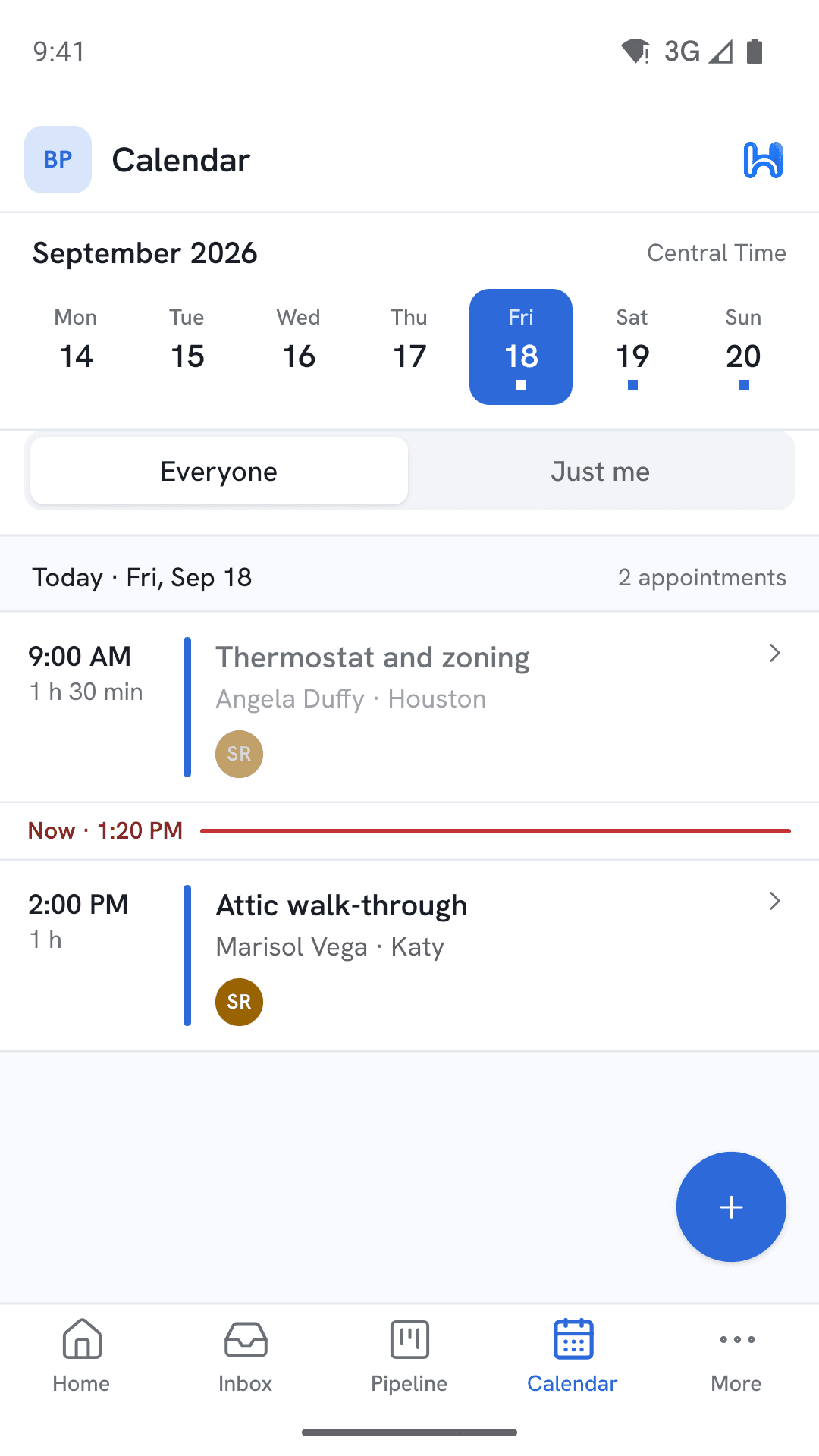
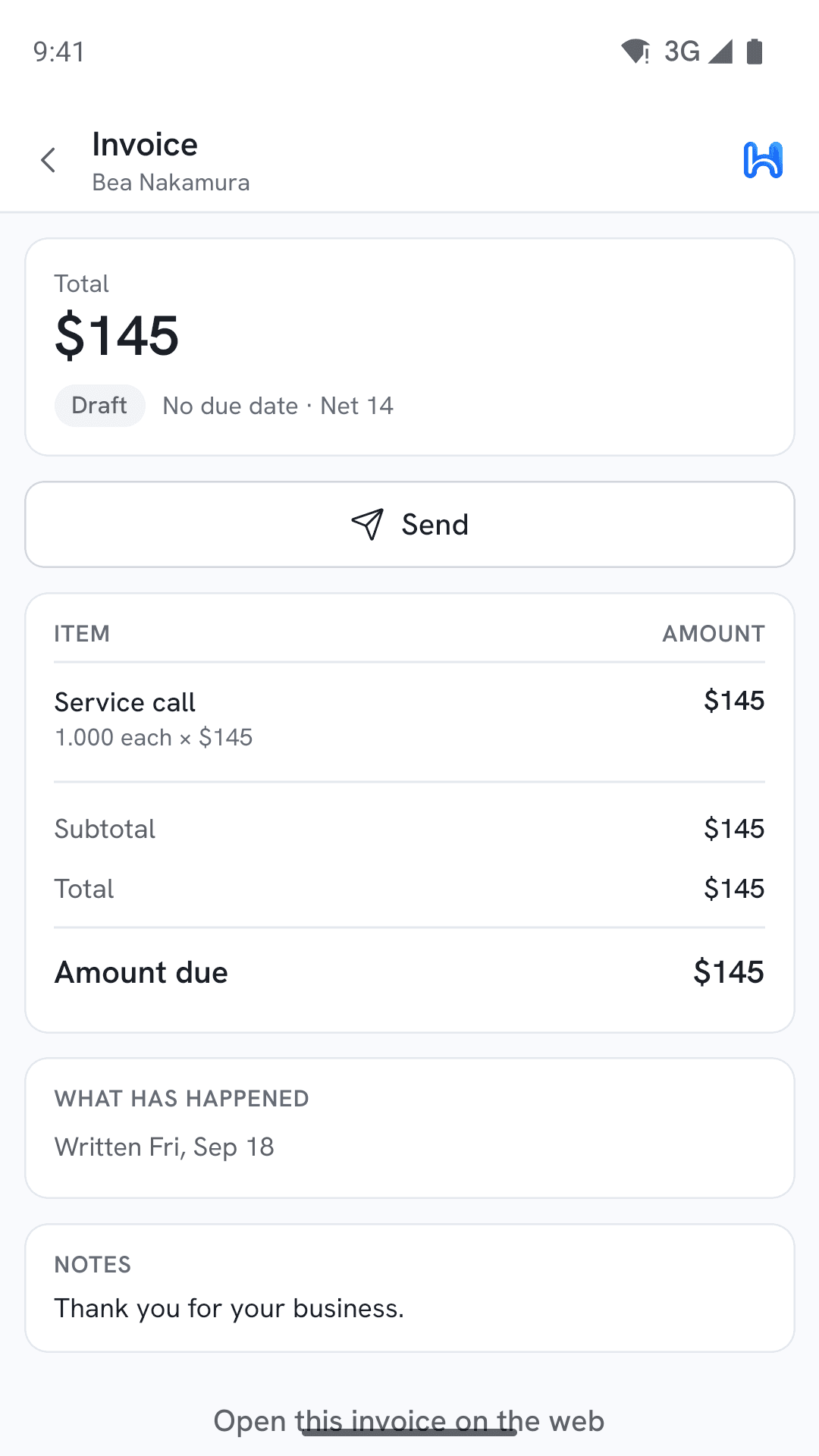
Screens from the app, filled with a made-up demo business.
Your crew will actually use this one.
Because it is faster than texting you to ask, and it works where their signal does not.