You're running a five-person crew, your phone won't stop buzzing, and somewhere between the job site and the supply run, you missed three calls from potential customers. Sound familiar?
Most small contractors don't think they need a home service CRM. You've got a whiteboard, a group chat, and a system that mostly works. Until it doesn't. Until a lead falls through the cracks, a follow-up never happens, and a job you should have booked goes to your competitor down the street.
Here's the thing: that's not a you problem. That's a systems problem, and it's costing the average contractor around $3,800 every single month in missed calls alone.
This post is going to break down exactly what an all-in-one home service CRM is in plain, no-jargon language. You'll learn which daily headaches it actually solves, how to know if your business is already big enough to need one, and what a normal workday looks like when the right tools are handling the busywork. No fluff, no pushy sales pitch. Just a straight answer to a fair question.
The Missed Call That Costs You the Job
It's 10am. You're on a roof, nail gun in hand, halfway through a repair. Your phone rings. You can't answer.
By the time you're back on the ground an hour later, that caller has already booked someone else. They found the next contractor on Google, got a callback in minutes, and moved on. You never had a chance.
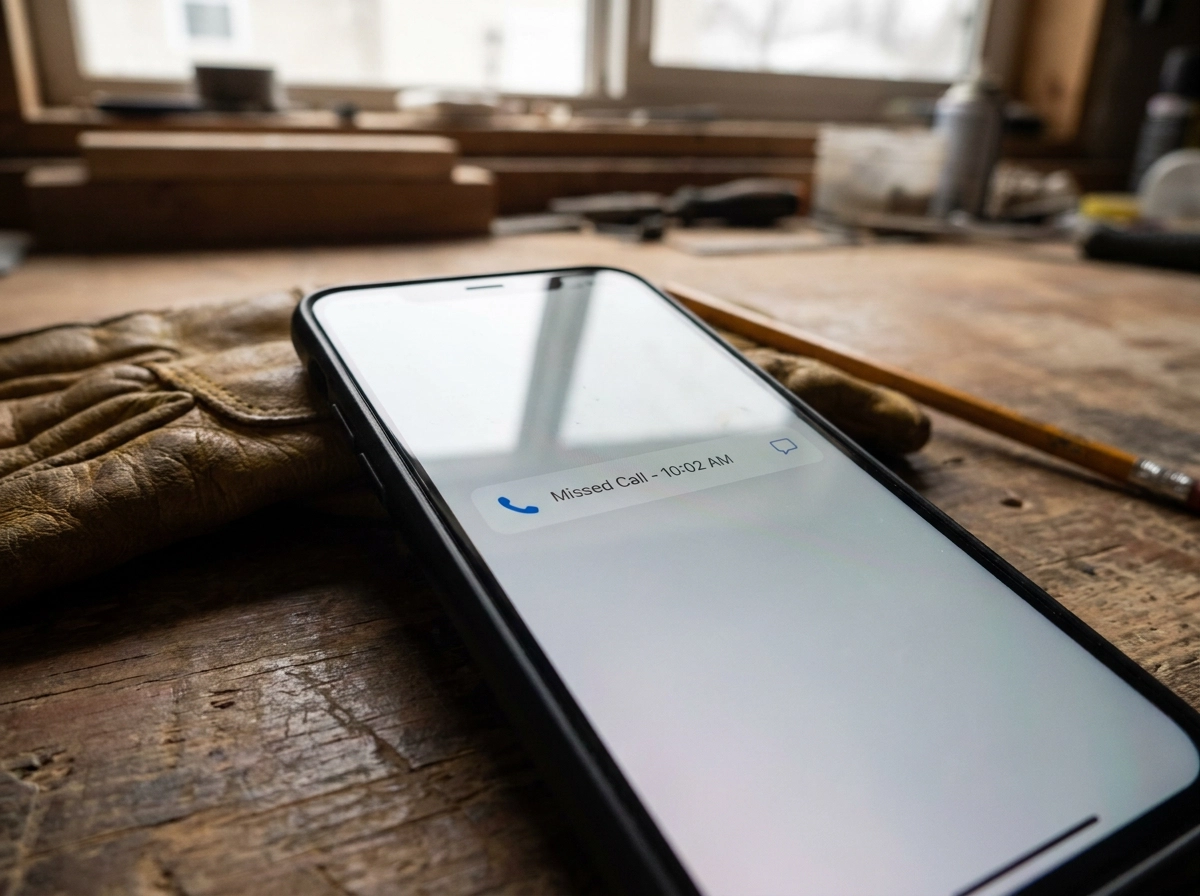
That's not a story about bad luck. It plays out dozens of times a day across roofing crews, HVAC shops, plumbing businesses, and cleaning companies all over the country.
The numbers back it up. The median first-response time for home service businesses is 42 minutes. Only 12% of contractors respond to a new inquiry within five minutes. And 27% of contractor inquiries receive no response at all, not because owners don't care, but because they're doing the actual work when the call comes in.
That last number is worth sitting with. More than one in four people who reach out to a contractor never hear back.
This is not a personal failure. It is a structural problem. A two-person plumbing operation cannot be under a sink and on the phone at the same time. A roofer mid-job cannot stop to qualify a lead. That is simply not how field work operates.
A home service CRM exists specifically to close that gap. The rest of this piece explains how.
What a CRM Actually Is (In Plain English)
So what exactly is a CRM?
The full name is Customer Relationship Management. Not very helpful. A better way to think about it: a CRM is a system that remembers your customers so you don't have to. It tracks who called, what they needed, what you quoted, and when to follow up. It keeps all of that in one place instead of split across your brain, your phone, and a whiteboard.
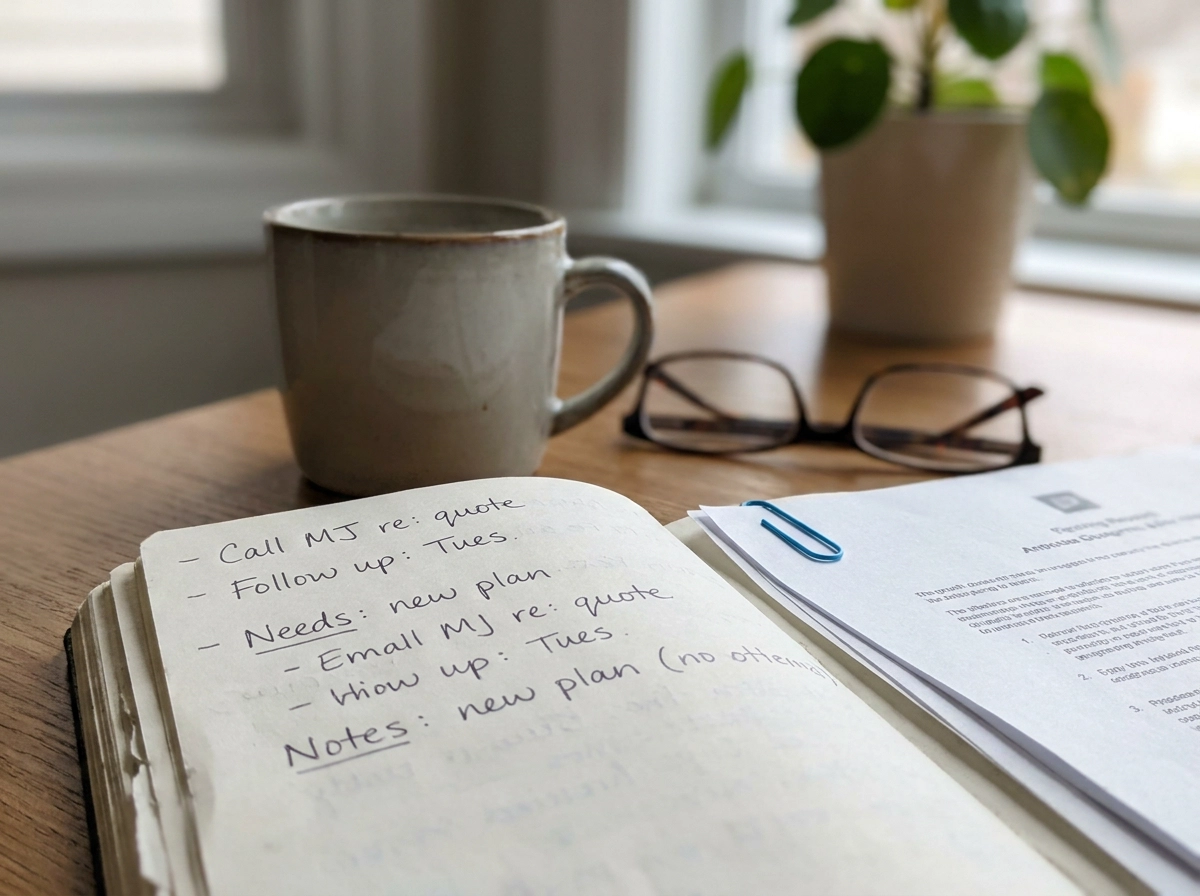
Most 5-person shops run on something like this: jobs on a whiteboard, scheduling in a group chat, customer info in a spreadsheet or buried in your email inbox, and follow-ups stored in memory. That works until it doesn't. Someone forgets to text back. A quote sits unsent. An invoice goes unpaid because nobody had time to call.
A CRM replaces all of that scattered setup with one place. Customer history, messages, estimates, invoices, and bookings all live together. Think of a customer record that fills itself in rather than one you have to manually update after every call.
You may also see the term "field service management software for small business" used to describe the same type of tool. For a large company, there are distinctions. For a 5-person plumbing or HVAC shop, they describe the same thing: software that handles the customer side of your operation so jobs get booked, followed up on, and paid.
The last thing to know right now: a good CRM does most of the work in the background. You do not need to become a software person to use one.
The Three Workflows It Actually Replaces
So what does a CRM actually replace in practice? Not "inefficiencies." Real things that happened this week.
The Lead That Went Unanswered
A homeowner finds you on Google at 10am on a Tuesday. They fill out your contact form. You're on a roof. Nobody answers. Nobody texts back. By 2pm they've booked someone else.
As noted above, 27% of inquiries never get a reply at all. A home service CRM handles the reply automatically, in seconds, so the lead doesn't go cold while you're finishing a job.
The Quote That Went Cold
You send an estimate on Monday. You mean to follow up Thursday. Then two emergency calls hit, and Thursday never happens. The homeowner assumes you're not interested and moves on.
Contractors with structured follow-up sequences close 15 to 25% more proposals than those relying on memory alone. That gap isn't talent. It's process. Automated reminders follow up on every quote whether you remember to or not.
The Invoice Nobody Chased
Job is done. Invoice goes out. Ten days pass. You're too busy to call and a little uncomfortable pushing. Cash flow tightens. Research suggests businesses without systematic follow-up lose a significant share of repeat bookings from first-time customers, because the awkward silence reads as indifference.
None of these are personal failures. They're what happens when the system is one person's brain and that person is stretched across three jobs.
Six apps and a notepad, replaced by one. That's what home service business software actually does: it handles the response, the reminder, and the follow-up automatically, so nothing falls through the gaps when you're in the field.
What 'All-in-One' Means and Why It Matters for a Small Team
So those three workflows share a common root: the tools don't talk to each other, and someone has to fill the gaps by hand.
Most 5-person shops are running three or four separate tools. One app for scheduling. Another for invoices. A third for customer messages. Maybe a booking page that has no idea what's already on the calendar. None of them sync automatically, which means someone has to move information between them. That someone is almost always the owner or the office manager, and it eats time every single day.
Here's the other problem with most CRMs on the market: according to Capterra research, 76% of CRM features go unused after adoption, and 43% of small business users report using less than half of what they pay for. That's because most CRMs were designed for larger companies with a dedicated sales team and a full-time admin. They're powerful, but they're not built for a 4-person plumbing crew.
All-in-one means something specific. It means your business phone number, your inbox, your customer records, estimates, invoices, online booking, and follow-ups all live in the same place. One login. One screen. No copying a customer's number from one app into another.
For a small team, that matters more than any single feature. Fewer tools means fewer places a lead can slip through. Fewer logins means less time looking for information. Fewer gaps means fewer jobs quietly lost to a competitor who just responded faster.
HandsFreeOS is built on exactly this model. It's designed for service businesses with 2 to 20 people, and you can see what's included in one place rather than stitched together from separate subscriptions.
How to Tell If Your Business Is Already Ready for One
Readiness isn't about your revenue or how many people are on your crew. A $200K roofing company running three crews with no follow-up system needs a CRM more than a $400K solo operator who answers every call personally. It comes down to whether your current setup is losing you work.
Run through this quick checklist:
You've missed calls while on a job and have no idea if anyone followed up.
You sent a quote, meant to chase it, got busy, and never did.
An invoice sat unpaid for more than a week because nobody made the call.
A customer told you they never heard back, and you're pretty sure someone reached out.
You're scheduling jobs in a group chat or on a whiteboard that only one person can see.
If two or more of those sound familiar, you're already paying the cost of not having a system. You just can't see the bill. The lost jobs don't show up as a line item anywhere.
On top of that, 60% of homeowners now expect online booking and same-day confirmation from home service providers. Your customers' expectations have shifted, even if your tools haven't.
The "I'm not big enough yet" objection gets it backwards. The businesses that benefit most from a CRM are the small ones, because they're too small to absorb dropped leads and slow follow-up. A larger company with a full office staff has people to cover those gaps. You probably don't.
One caution: a system that's too complex for where you are right now creates its own headaches. The goal is a tool that fits today and grows with you, not one that takes a week to learn and another month to actually use.
What an All-in-One CRM Looks Like on a Real Workday
Here is what that actually looks like on a Wednesday for a five-person plumbing shop.
7:15 a.m. The owner is driving to the first job. A homeowner fills out the contact form on the website asking about a water heater replacement. Nobody is sitting at a desk to answer. The CRM's AI responds by text within seconds, asks a couple of short questions about the unit and the issue, and books a time slot directly into the calendar. By the time the owner pulls up to the first house and glances at his phone, the job is already on Thursday's schedule.
10:30 a.m. The estimate sent to a customer on Tuesday gets an automatic follow-up text. No one had to set a reminder or remember the name. The customer texts back and accepts. That job would have sat in silence until someone found time to follow up, which, on a busy week, means it probably never would have happened.
2:00 p.m. A call comes in while the tech is under a kitchen sink. The system texts the caller back within minutes. The caller gets a response, feels taken care of, and doesn't scroll down to the next contractor on Google.
End of day. An invoice from last week is still unpaid. The system sends a polite reminder automatically. No awkward call from the owner. No letting it slide another week.
One important note on the AI: it handles the volume. It answers, qualifies, and books. When a conversation needs a real judgment call, such as a complicated job scope or an upset customer, it hands off to a person. You can read more about what happens with AI and how it works in practice.
That is what field service management software for small business looks like day to day. Less time on the phone. Fewer evenings catching up. More jobs that actually close.
Does the Math Actually Work for a Small Contractor?
That day-in-the-life scenario sounds great in theory. But at some point, every owner asks the same thing: what does this actually cost, and is it worth it?
Fair question. Here's the honest version.
CRM software as a category returns roughly $8.71 for every $1 spent, based on widely cited industry research. That number is market-wide and may not match your exact situation. But even a much smaller return makes the math work for a small contractor, because the jobs you're recovering aren't small.
That 15-25% close-rate lift from structured follow-up translates directly: on 20 monthly estimates, that's three to five more closed jobs. One recovered AC tune-up or roof repair can cover a month or more of software. The math doesn't require a miracle. It just requires not losing jobs you already earned.
As the checklist above makes clear, missed calls and cold quotes don't show up as a line item -- the cost is invisible until you tally the jobs that quietly went elsewhere.
That's the real comparison: not software cost versus zero, but software cost versus the jobs already slipping through.
Pricing varies by plan and team size. Check the current rates at handsfreeos.com and see what we ask before you commit to anything. It's built for small teams, not enterprise budgets.
So Do You Actually Need One?
Your whiteboard and group chat got you this far. That's not nothing. A system that works deserves some credit before you replace it.
But "works" is doing a lot of heavy lifting in that sentence.
The current system has a cost. You just don't get a bill for it. The cost shows up as the lead who never called back, the cold quote, the unpaid invoice -- the same gaps covered earlier.
If any of this sounds familiar, you're already paying.
The good news is that a home service CRM doesn't ask you to become a software person. You don't need a dedicated office manager or an IT background. A solid one handles the back-and-forth for you. It answers the new lead, sends the follow-up, flags the unpaid invoice, and tells you what needs attention today, in plain language, so you can stay focused on the job in front of you.
That's the whole idea. Less to remember. Fewer things falling through the cracks. More jobs that actually close.
If you're ready to see what that looks like for your business, start free at HandsFreeOS. No big budget required, no full admin team needed.
Conclusion
Running a home service business means the work never really stops, and the last thing you need is an admin system that creates more stress than it solves.
Here is what this comes down to: missed calls cost you real jobs, scattered tools create gaps no one person can fill, and the hidden cost of a broken system is almost always higher than the cost of fixing it.
An all-in-one CRM does not require a big team or a big budget. It just requires the right fit for how you already work.
If leads are slipping, follow-ups are inconsistent, or invoices are sitting longer than they should, the system is the problem, not you.
You have already done the hard part by building a business worth protecting. Now give it the infrastructure to grow. Start free at HandsFreeOS and see the difference one good system makes.