You're on a roof, phone buzzing in your pocket, and you can't answer. That missed call is a job. A few hours later, a quote you sent sits unopened while you're under a sink. Ten days after that, an invoice is still sitting in your outbox. None of these feel like software problems. They feel like the cost of doing business.
But here's what most owners miss: each one of those gaps is a line item you're already paying for. Separate tools for the phone, the answering service, the billing. Two subscriptions you forgot you had. The unpaid hours spent moving data between them.
If you've been looking for the best CRM for a service-based business, this post is for you. We're not going to tell you what to buy. We're going to do arithmetic out loud, together. You'll see why a CRM fee looks huge next to one line item, what a real total actually includes, and how to run the replace-or-add test. Then you'll get a fill-in-the-blank worksheet with a worked example you can copy. By the end, you'll have your own numbers and a clear decision.
Start free at handsfreeos.com.
Why a CRM Fee Looks Expensive Next to One Line Item
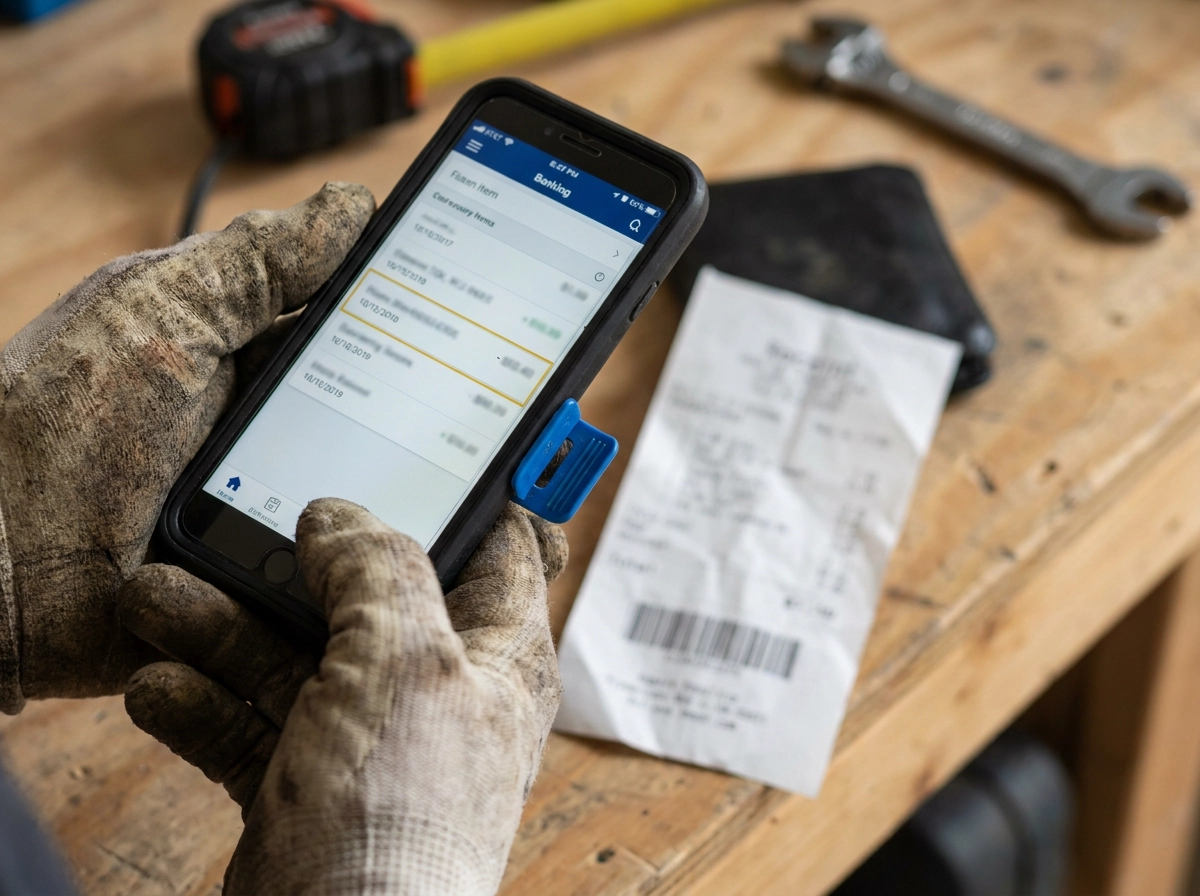
It's 4:40 on a Tuesday. You're on a roof or under a sink, scrolling your bank feed. One charge is a couple hundred dollars a month for a CRM. It's the only software line you can actually see, so it becomes the whole argument.
Here's the mistake: you're comparing the CRM to one bill instead of everything it sits next to. Nobody adds up the tools side by side. They arrive at different times, on different cards, under different names.
The quiet ones: an answering service from two winters ago, the extra phone line for the second truck, an invoicing tool someone's cousin recommended, two subscriptions nobody remembers signing up for. Each looks small. Together they're a payroll line.
So you're not really buying a monthly fee. You're deciding whether one payment replaces several or becomes the seventh. This post gives you the arithmetic, not a verdict. Only your numbers decide.
Grab a pen, your last three bank or card statements, and five minutes. No technical knowledge needed. Every figure in the worksheet stays blank, and you fill them in. New to all-in-ones? Start with what an all-in-one CRM for home service businesses is.
What a Real Total Includes: Per App, Per Seat, Plus the Invisible Line
Here is what goes on your page.
Six charges show up in most small service shops: an answering or call service, a business phone system, an invoicing and payment tool, a booking or scheduling tool, a review or reminder tool, and the extra subscriptions nobody remembers.
Per-seat pricing trips people up. Some tools charge one flat fee for the whole shop. Others charge for each person who logs in. Your seat count is how many people need their own login, and it changes fast when you hire.
The phone system is sneaky: your main business number, texting, voicemail and email often live in separate places. Count each as its own cost.
Payments too. If an invoicing tool only works because the money runs through that company's account, the per-transaction fee is part of your stack price.
First worksheet step: write down every app you pay for, the monthly amount, and whether it charges per seat. If you are not sure, look at the statement. Do not guess and do not round up to be dramatic. For the honest tradeoff first, read what service business owners actually give up when they consolidate to one CRM.
The Line Nobody Writes Down: Moving Data Between Apps
A text lead comes while you're under a sink. You type it into the calendar, re-type it into invoicing, copy the name into a reminder app, then remind yourself to chase the quote from your phone. None of that shows on a statement.
This is your most expensive line. Nothing charges for it, but it's why you answer emails at 8 p.m. The real cost is the job you didn't book while copying names between screens.
Count hours before dollars. How many hours a week does someone in your shop spend typing the same customer info into more than one place? A rough number is fine.
Cost those hours three ways: your own pay rate for whoever types, what you'd pay someone else, or the jobs you could have booked. The number isn't zero.
An all-in-one earns its fee only if it removes hours from this line, not just charges. A tool that kills three app bills but leaves the copying hasn't done much. To see what replacing that work looks like, read our guide to choosing a CRM for a home service business and start free at handsfreeos.com.
The Replace or Add Test

Next, go down your list one app at a time and answer a single question: does the tool you are considering replace this charge, or does it not? Yes or no. No maybes, no partial credit.
If it replaces four of your six charges and you still need the other two, compare its full cost to those four lines only. If it replaces one charge, you just added a payment, and it had better have another reason to exist.
Watch the trap: two systems that each do half the job can look cheaper one at a time and cost more together, especially when your office manager keeps checking both because nobody is sure which one is right.
Keep the tool you truly use every day and the one your accountant needs. The test is about charges that stop, not winning an argument with your own habits.
This is really the question behind most searches for the best CRM for a service based business. Price alone can't answer it, because price only means something next to the bill it cancels.
A Worked Example You Can Copy, Without a Single Number Filled In
Take a two-truck plumbing or HVAC shop: an office manager, an owner who answers from the field, and seven tools on the statement. Your sheet has seven app lines. Put a seat count beside the three that charge per seat. Add one line for hours a week spent retyping customer info. Add a yes/no column: does the tool you are considering replace this charge? That is the shape, no totals yet.
At the finish, add the app lines you would cancel. Add the labor line. Put that number beside the single tool's price. Cheaper is an answer. More expensive but with your evenings back is also an answer, and it is your call, not the worksheet's.
Avoid two easy lies: rounding up current costs so switching feels free, and counting savings from an untested tool. Use your bills and the work you already do.
This is a worksheet, not a scorecard. Fill it in from your phone at the kitchen table. Your office manager can check it the next morning. If missed calls while you are on a roof feed that line, see AI lead response for HVAC companies.
The Fill-in-the-Blank Worksheet
Here is the part you keep. Copy this into a notes app or write it on the back of an estimate pad.
Set up seven columns: app or cost name, what it does, monthly amount, per seat yes or no, seat count, who uses it, and does the new tool replace it (yes or no).
Three rows are not apps. Add hours per week spent moving customer info between tools. Add transaction fees you pay on card payments. Add anything you canceled this year but still pay for.
Finishing rule: no total counts until every line is either replaced or kept. If a row is empty, leave it empty. Do not invent a charge to make the math look better.
Once your replaced column is filled, look up current pricing on the vendor's site and compare the two totals yourself. Prices change, so the page beats any number printed here. If your booking row is fuzzy, see Online Booking Pages for Service Contractors: What to Include So Customers Actually Complete the Booking.
Step 1: List Every App and Its Monthly Charge
Start the worksheet here: pull your last three months of bank and card statements. Search for recurring charges and write down every one that touches customers, leads, scheduling, invoicing, texting or reviews. Three months, not one, because annual renewals, seasonal tools and the subscription someone's cousin recommended won't show up in a single month. Keep the messy ones on the list: the text-back service you forgot, the shared calendar app, the form builder for website leads. If it touches a customer, it gets a line. This is the column people get wrong by memory. Your statement is the only honest source, and it's also where you confirm 3. What you pay for each tool.
Step 2: Add Seats and the Hours
Now that every app is listed, count logins. For each tool that charges per seat, ask how many you actually pay for. A two-truck shop might pay for four seats, but two belong to people who left and one belongs to a login nobody uses. That is money leaving every month.
Then write a rough weekly number for typing and copying customer info between apps. You or your office manager probably do it. Even three hours counts. Multiply by your own pay rate, what you would pay a helper, or the value of one booked job. Any one makes the labor line real.
If you plan to hire, ask what the per-seat math does then. Flat fees stay put; per-seat costs grow with every new tech or office person. That is when the difference shows its true size. Before you hire, ask for one of the seats to see how that works.
What One All-in-One Puts on the Replacement Side
Now check your worksheet against one option in this comparison: HandsFreeOS, an all-in-one CRM built for small US service businesses like HVAC, plumbing, roofing, electrical, cleaning, med spas and studios, most with 2 to 20 people. Its replacement column is worth seeing in one place: a business phone number, one inbox for texts, calls, voicemail and email, customers and a sales pipeline, online booking pages, and estimates, invoices, deposits and maintenance plans paid through your own Stripe or Square account. A unified inbox keeps those conversations from scattering. On the answering side, it answers new leads by text, email and website chat in seconds, texts back missed calls, books jobs into the calendar, and hands the conversation to a person when it should. It answers, books and hands off. It does not replace your staff. Follow-ups chase quotes and unpaid invoices on their own, the Action Center lists what needs attention with money first, and the phone app works with no signal, which matters when the day happens under a house. See current pricing on the pricing page, and compare it to your replaced lines.
Where to Find Your Own Numbers Instead of Guessing
Before you decide what replaces what, get your real numbers. Start with your own records. Pull three months of bank and card statements for every app charge. Check the phone bill for lines and texts. Find your payment processor's fee page for transaction costs. Those are the only numbers that matter here.
Government data like County Business Patterns can show how many similar firms operate near you. Use it for background, not as proof of what you should pay.
This piece does not print average costs. A national average does not match one shop with two trucks and one office manager. A made-up number in your worksheet is worse than an honest blank.
One column of real charges beats a paragraph of industry averages every time. It takes about ten minutes. Then run the test with numbers you trust.
Do the Arithmetic Once, Then Decide
You have the numbers now. Total what your stack costs today: per app, per seat, plus the unpaid hours of moving data between them. Then run the replace or add test on every line. Only your column of replaced charges tells you whether a monthly CRM fee is a saving or a seventh subscription.
Open your statements tonight. Fill in the worksheet. Put a number beside the hours line even if it is rough. A rough total beats a feeling about a single bill.
Here is the honest limit. If the all-in-one does not replace enough of your charges to matter, keep your stack. That is a fine answer. If it clears several bills and the late-night typing, that is your answer.
One more thing worth weighing beyond cost: fewer places to check means fewer leads sitting unanswered while you are up a ladder or on a roof. That argument usually matters more than the last twenty dollars.
Want to see what the replacement side looks like in practice? Start free at handsfreeos.com.
Conclusion

The sticker price of an all-in-one CRM only looks high when you compare it to one bill. The real comparison is your full stack: every app, every seat, plus the unpaid hours of moving data between them. Do the arithmetic once with your own numbers. If the all-in-one does not replace enough charges to matter, keep your stack. That is an honest answer. If it clears several bills and the late-night typing, that is your answer too.
Fewer places to check means fewer leads going cold while you are on a roof. That usually matters more than the last twenty dollars.
Open your statements tonight. Fill in the worksheet. Ready to see the replacement side in practice? Start free at handsfreeos.com.