You're in the middle of a job, hands dirty, and three new messages just hit your phone across three different apps. One's a text from a new lead, one's an email from yesterday's customer, and one's a voicemail you won't get to until tonight. Sound familiar?
For most small service businesses, this is just Tuesday. And while juggling multiple communication channels might feel like a normal part of the job, it's quietly costing you real money. When texts, emails, and calls live in separate places, context slips through the cracks. A customer who texted you Monday and emailed you Wednesday can end up looking like two completely different people in your workflow, and that confusion is where leads go to die.
Good CRM customer service isn't just for big companies with dedicated support teams. It starts with something much simpler: one place where every conversation lives together.
In this post, you'll learn why fragmented channels hit field service businesses especially hard, what a unified inbox actually does, and how pairing it with an AI teammate can help you stop losing jobs between the cracks.
Why Fragmented Channels Hit Field Service Businesses the Hardest
If you run an HVAC company, a roofing crew, or a cleaning service, you already know this problem. You are up on a roof at 10 a.m. Your phone rings. You cannot answer. That caller leaves a voicemail, then sends a text an hour later, then emails your office by Wednesday. In most systems, those three contacts look like three different people. No one connects the dots, and the job goes cold.
This is not a minor inconvenience. If that caller finds another contractor first and books the job, the revenue is gone. It does not come back.
The problem gets worse when you factor in how much mental energy channel-switching actually costs. Research shows it takes roughly 23 minutes to fully refocus after an interruption. Bouncing between a voicemail app, a separate email inbox, and a messaging thread is not just annoying, it eats real time out of every workday.
The noise only adds to it. The U.S. Chamber of Commerce Small Business Index consistently places operational overload alongside staffing as a top challenge for small business owners. Your team is already stretched. Checking four apps to piece together one customer's history makes it worse.
Office-based businesses can absorb some of this friction. Field service teams cannot. When you are moving between jobs, sometimes in areas with spotty signal, you need communication that works wherever you are. That makes a consolidated, mobile-first inbox a structural need, not a bonus feature. If you are still deciding whether this kind of tool makes sense for your size of business, this breakdown of what an all-in-one home service CRM actually does is a good place to start.
Context loss across channels is a revenue leak. The fix starts with getting every message into one place.
What a Unified Inbox Actually Does
So what does a unified inbox actually do in practice?
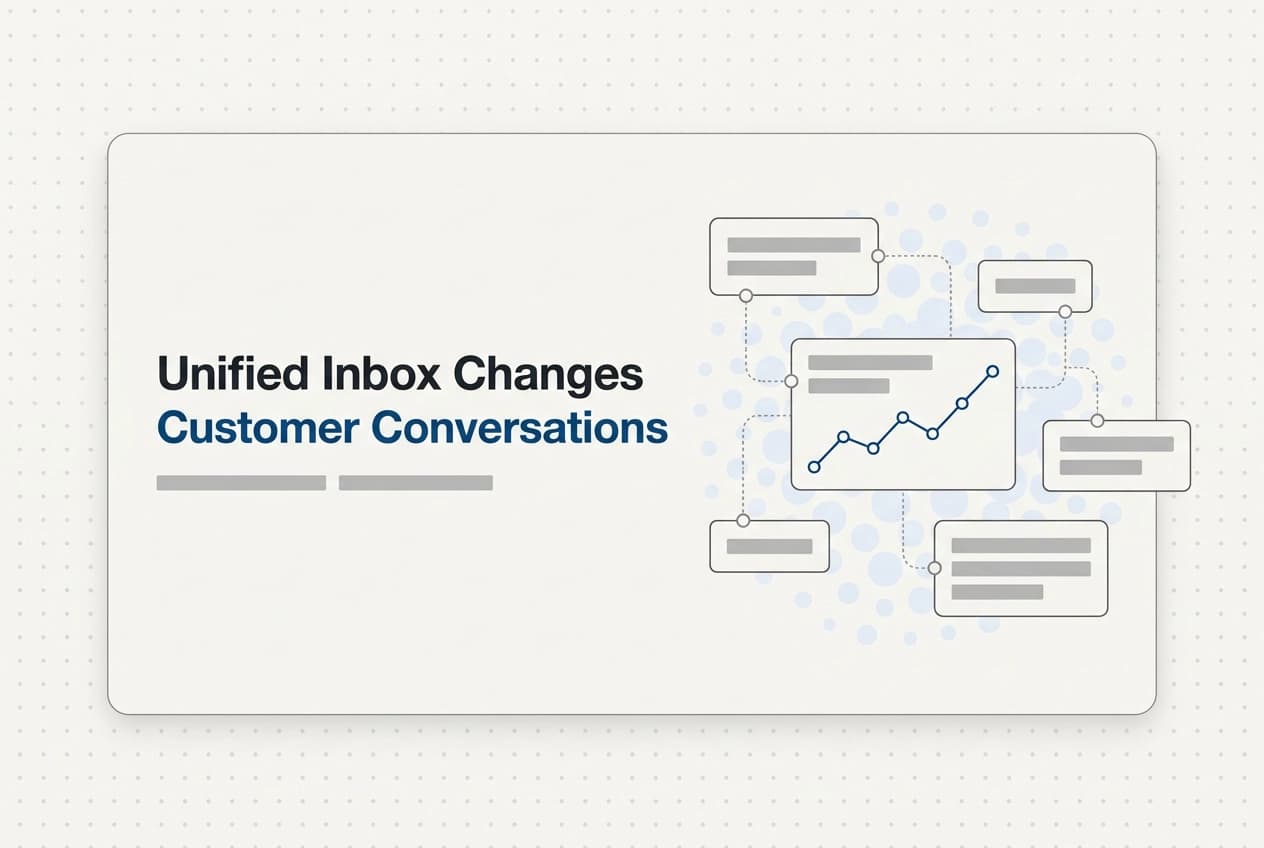
Every text, email, voicemail, and missed call from the same customer lands in one thread, ordered by time. Before you reply, you can see the whole story: what they asked, what you quoted, when they last reached out, and which channel they used. No digging through apps.
That same fragmentation described above is exactly what a unified inbox closes. With one thread, those messages stack into a single conversation you can scroll through in seconds.
It also changes what AI can do for you. An AI can only reply with the right context if it can see the full history. If a customer texted you last week about a quote and calls back today, the AI needs to know that. A unified inbox is what gives it that visibility. Without it, automated replies come out generic or, worse, confusing to someone who already gave you their details.
There is also a meaningful difference between a customer service CRM that actually cuts your workload and one that just shuffles the mess somewhere else. If messages from different channels still need to be manually checked and merged, you have not solved anything. You have just moved the problem.
The real fix is when the inbox works with the calendar and the rest of your business. The customer record, the open estimate, and the upcoming job should all be visible from the same screen. No copy-pasting. No cross-referencing. One place, full picture, ready to act.
Real Scenarios Where a Unified Inbox Makes or Breaks the Job
Here is what that looks like in real life.
You're on a roof finishing a repair. A call comes in, goes to voicemail. An hour later, the same person texts you. Without a unified inbox, the voicemail sits in one app and the text sits in another. You never connect the two. By the time you do, they've already booked someone else. With both in one customer thread, the AI texts them back within seconds and keeps the lead warm until you're free.
You send a quote on Tuesday. Thursday comes and nothing. In a fragmented setup, you'd have to check email, then texts, then voicemail just to confirm they haven't replied anywhere. A unified inbox shows you instantly that there's been no response on any channel, and automated follow-ups go out on their own. You don't touch anything.
An invoice goes past due. You're not sure if they got it, forgot it, or are avoiding it. A unified inbox tied to your billing tells you exactly when the invoice was sent and whether they've engaged with any messages since. A polite reminder goes out automatically on a schedule you set.
Your office manager gets a text from someone who booked a cleaning six months ago. She has no idea who it is or what was done. In one inbox connected to a full customer record, the whole history is right there in seconds. No digging, no guessing.
This is where a field service CRM that actually takes action earns its place. These jobs don't disappear with a bang. They just quietly go cold.
How an AI Teammate Works Alongside the Unified Inbox

Those real scenarios show exactly where fragmented tools drop the ball. But the inbox alone does not close jobs. It needs something working inside it.
The AI only does its job well when it knows the full history.
As those scenarios showed, context is everything, and the AI can only act on context it can see. When all those messages live in one thread, the AI has context. It knows this person asked about an AC tune-up, got a quote, and has not replied yet. It can follow up in a way that makes sense.
What the AI actually does.
Its job is simple: answer fast, book the job, and hand off to a person when the conversation gets complicated or personal. It is not replacing your office manager or your crew. It covers the gap when nobody is free to pick up, like when you are mid-job on a roof or stuck under a sink.
No one has to start from scratch.
When your team picks up from the AI, the full thread is right there. They do not have to ask "wait, what did you call about?" The context is already visible. You can read more about what happens with AI and how conversations are handled.
Fast replies keep leads warm. One thread keeps your team informed. Together, they close the gap between a lead coming in and a job getting booked, without you working through it at 9 PM.
What to Look for in a Unified Inbox If You Run a Service Business

So now that you understand how the AI and inbox work together, how do you know whether a system actually qualifies as "unified"? Here's a practical checklist before you commit to anything.
One thread per customer, not one tab per channel. Every text, email, voicemail, and missed call from the same customer should appear in one scrollable thread. If you are still toggling between separate apps to piece together one customer's history, you have a coordination problem, not a solution.
The inbox must connect to the estimate and the calendar. A field service CRM that makes you copy a customer's phone number from the inbox into a separate quoting tool is not truly unified. If opening a customer thread also shows you their open estimate, last job date, and next appointment, that is the real thing.
Your business phone number should live inside the system. When your team calls and texts from a number that belongs to the CRM, every conversation logs itself. Nobody has to remember to write anything down. This also matters for handoffs: when someone new picks up a thread, the full call and text history is already there.
The app must work without signal. A tech in a basement or a rural driveway cannot wait for bars. If the app goes blank offline, it will let your team down at the exact moment they need it. Test this before you decide.
Automated follow-ups should run from inside the same system. If your quote follow-ups live in one tool and your inbox lives in another, they never talk to each other. Follow-ups that trigger based on what is actually happening in the customer thread are far more accurate than reminders you set manually somewhere else.
Ask whether migration support is included. Moving contacts, job history, and open estimates from a spreadsheet or old system is where most small businesses stall. If the new platform handles that for you, it removes the biggest reason teams never fully switch over.
The test is simple: does it reduce the number of apps you open each morning, or does it just add another one? A true crm all-in-one makes your day shorter, not more complicated.
How HandsFreeOS Brings This All Together for Small Service Teams
HandsFreeOS is built to check every box from the previous section, without making you piece it together yourself.
That is exactly what the platform delivers. You get a dedicated business phone number right inside the system, and every conversation lands in one place tied to one customer record. You can see what's included across the full platform before you commit to anything.
The AI teammate handles new leads the moment they come in. Someone texts your number at 7 p.m. while you are finishing a job? They get a reply in seconds. A missed call while you are on a roof triggers an automatic text-back. If the lead is ready to book, the AI puts the job straight on the calendar. No one has to stop what they are doing.
Estimates, invoices, deposits, and maintenance plans all sit inside the same customer thread. When a quote sits without a response, a follow-up goes out on its own. When an invoice goes past due, a polite reminder fires automatically on a schedule you set. You do not have to remember to chase either one.
The Action Center shows you what needs attention today. Money-related tasks, like open invoices and unsigned estimates, come up first. You are not digging through a pile of notifications to find what actually matters.
The phone app works without a signal. That matters when your tech is in a basement, an attic, or somewhere rural where coverage drops out.
If you are switching from another system, migration is included. Your contacts, open jobs, and history come with you. You do not lose a weekend rebuilding everything from scratch.
The Simplest Way to Stop Losing Leads Between Channels
You've seen the scenarios and the checklist, the through-line is the same. Field teams need one thread with full history, not a handful of apps competing for attention. One thread means whoever picks up the conversation next, whether that is you, your office manager, or the AI, already knows what happened. No one has to ask the customer to repeat themselves.
And if silence after a quote is costing you jobs, automated follow-ups running inside the same system close that gap without any extra work from you.
You do not need a complicated setup. You need one place where every conversation lives, an AI that responds when you are busy, and follow-ups that run on their own while you sleep.
If that sounds like what your business needs, see how HandsFreeOS works and start free at handsfreeos.com.
Conclusion
Your customers are already reaching out. The only question is whether your setup is ready to catch them.
Stop letting leads fall through the cracks between channels. Start free at handsfreeos.com and see the difference one unified inbox makes.