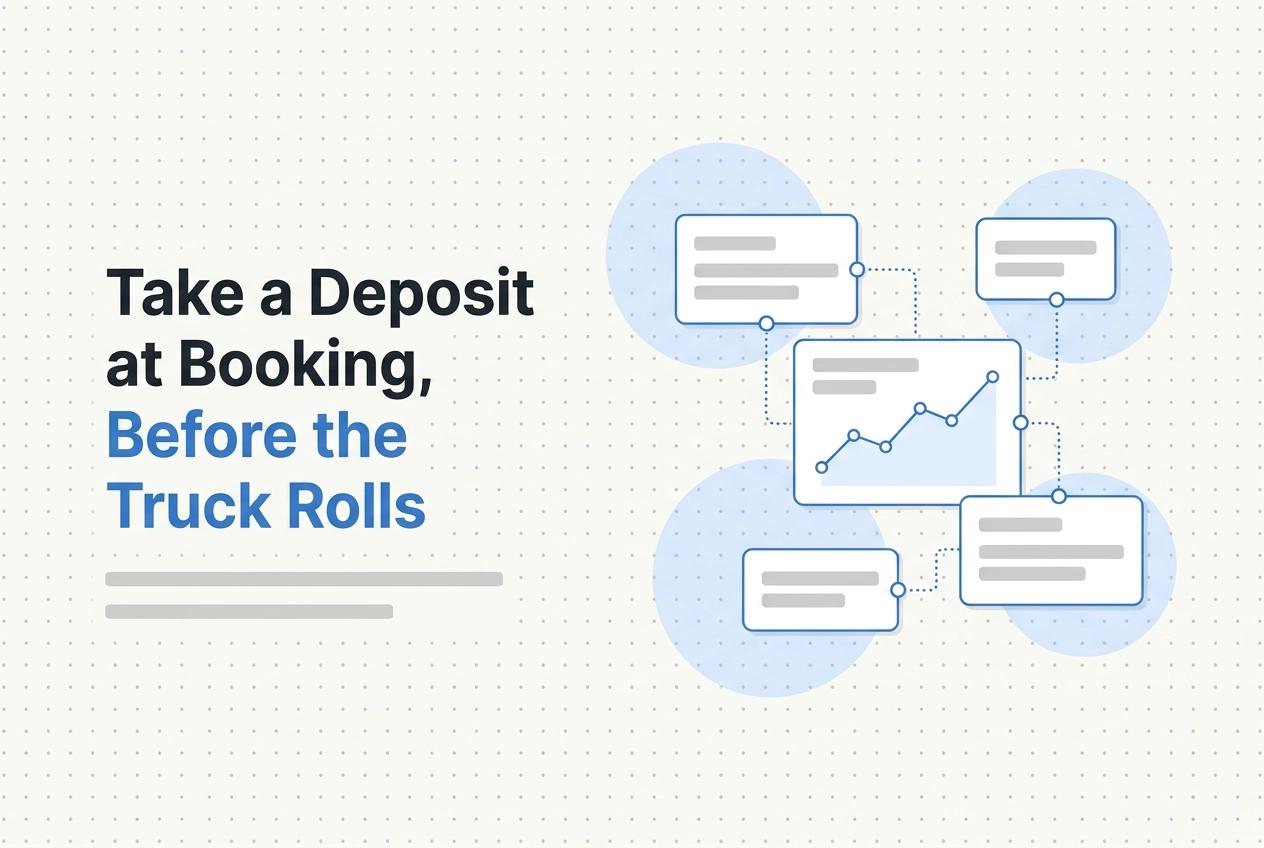
You finish a job, drive home, and finally sit down to send an invoice. Then you wait. And wait. Ten days later, you're still chasing the money. What if you could get a commitment before the truck ever leaves the driveway?
That's the idea behind taking a deposit at booking. It moves the money conversation to the very start, right when the customer is ready to schedule. When you collect a deposit inside the booking flow, you're not just improving cash flow. You're filtering out tire-kickers and no-shows before they cost you a slot on the calendar. You're also setting up a smoother invoice payment on the back end, because the final bill is smaller.
In this post, we'll walk through why this matters for beginners, what a deposit actually filters out, and how to make payment happen in the same breath as the booking. We'll also cover how deposits and invoice payment work together, what rules to check in your state, and how to turn this into a simple system instead of a habit someone has to remember. Start with one job type this week.
Ready to see how an AI receptionist can handle booking and deposits in one step? Start free at handsfreeos.com.
Why the Money Conversation Belongs at the Start
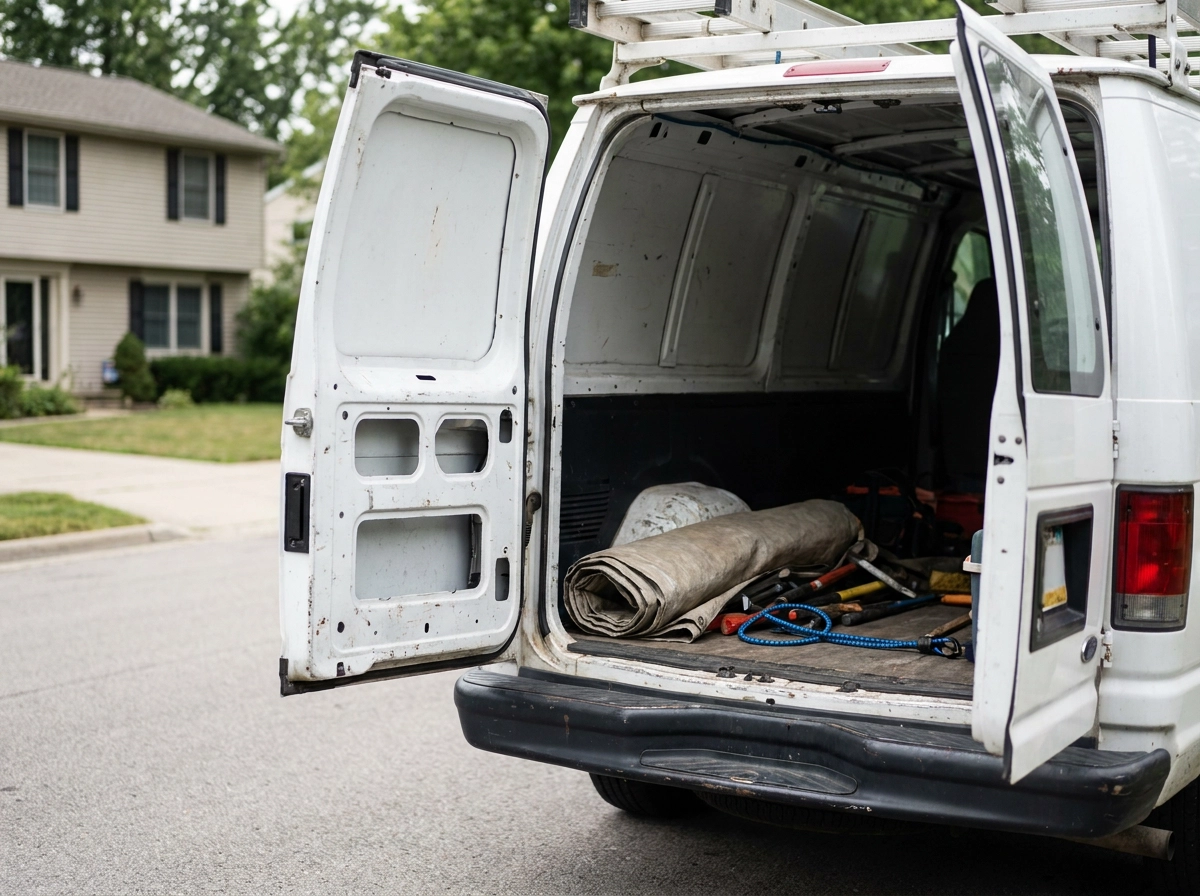
The expensive part of any job is the truck. Once a van, a crew and a time slot are committed, a no-show costs you a day you cannot bill to anyone else. The slot is sold either way.
Most shops put the money question at the very end: estimate, then job, then invoice, then reminders. Every step between the work and the payment adds days of waiting. If your collection process already leaks time, the gap between job done and money collected is where it shows up.
Now compare that to asking at booking. On a booking page or in a text thread, the customer is already in a buying mood and the card is within reach. Asking for a deposit in that same breath is a small ask. Asking for it in a separate text three days later feels like a bigger one.
A deposit is a filter, not just cash flow. It separates the people ready to schedule from the people gathering five prices from five companies.
Word it as a reservation, not as suspicion. "This holds your Tuesday 8 a.m. slot" lands far better than "we need money up front." Then say what the money is for. If it covers a part you have to order or a block of time you are holding, tell the customer that plainly, in the same message as the booking link.
Get this one habit right and the whole money conversation gets shorter. That is also what changes the odds on the first reply a new lead gets, because a customer who commits at booking is not a lead you have to chase later.
What a Deposit at Booking Actually Filters Out
A deposit at booking does one job before a crew ever leaves the shop: it answers the question for you.
Tire-kickers. Someone who won't put fifty dollars down to hold a slot was rarely going to confirm anyway. You learn that on the booking page instead of driving out to learn it in a driveway.

No-shows. A paid appointment is a kept appointment. You stop calling at 6:45 in the morning to check whether anyone is still home.
Quote collectors. When a homeowner is gathering three estimates, the one with money already on the clock is the one holding the time. That changes the conversation fast.
Leads that go cold between the call and the crew. Classic case: a missed call while you're up a ladder, a callback two days later, and the job already booked with someone else. A lead that books and pays in the same minute is finished business. The stalled ones need to stay visible too, and a stalled deposit sitting in your Action Center is a lead you can still save.
The honest tradeoff. Some good customers hesitate at a deposit, so be picky about where you apply it. Jobs that need materials, long time blocks, or appointment slots like med spa and studio visits. Not every small repair needs one. Careful wording on your online booking pages does a lot of the work here, because "this holds your Tuesday slot" lands and "money up front" does not.
Commitment on both sides. The deposit says you'll be there. The held slot says they will. That's a fair trade, and most customers read it that way.
How the Payment Happens in the Same Breath as the Booking
The mechanics are where it gets slick. When a lead comes in by text, email, or website chat, the system replies in seconds. If they called and you missed it because you were on a roof, they get a text back right away, not a voicemail they'll never check. The customer never has to wait for you to climb down and call them back.
From there, the whole job is booked in that same thread. The customer sees your real calendar and picks an open slot. No back-and-forth about what day works. No looking up your schedule later.
Before the booking is confirmed, the deposit link goes out. It runs through your own Stripe or Square account, so the money lands where every other payment already lands. You decide if the slot is held only once the deposit clears. If the customer stalls, that time goes back into the pool and someone else can grab it.
When the deposit clears, the job lands on your calendar with the payment attached to the customer record. No one has to key in a payment or reconcile it on Friday. And if the customer asks for a person, the whole conversation gets handed off with the deposit and booking attached, so whoever picks it up has the full picture. Nothing starts over from scratch.
If you're weighing how this fits with the rest of your tools, our guide on how to choose a CRM for a home service business covers the questions that actually matter.
Smaller Invoices: How Deposits and Invoice Payment Work Together
Once the deposit clears and the job is on the calendar, the invoice math gets simpler. The deposit comes off the total before the job starts, so the final invoice is a smaller number. A smaller number is easier for a customer to say yes to on the spot.
That changes invoice payment from the awkward last step of every job. You are collecting the balance, not the whole ticket, and the customer has already proven they will pay you once. They paid at booking.
Keep every deposit on the same customer record. If the deposit lives in a separate app or a text thread, your invoice tracker shows what you remember instead of what is actually owed. A deposit quietly goes missing on the books, usually at the worst time.
Automate invoice processing from there. The same system that took the deposit can send the balance invoice the day the job closes, with a pay link in it, and keep following up on its own. If a quote goes quiet before the job, the same kind of follow-up can chase it. See why your quotes go cold and how automated follow-up fixes it.
A plain example: a job is $900 with a $200 deposit. The day you finish, the invoice is $700, with a link in it, sent automatically. If it sits, a reminder goes out without anyone opening a spreadsheet.
Deposits also make partial payments normal. When a customer has already paid in stages, a balance invoice reads as routine, not as a bill appearing out of nowhere.
Once the deposit and invoice are talking to each other, the only thing left to settle is how much you can ask for where you work.
Where the Rules Bite, and What to Check First
Before you add a deposit rule, check your state and your trade. Connecticut’s Home Improvement Act covers contractor registration and contract terms for home improvement work. Maryland requires a signed contract before a contractor can accept a deposit, per the Maryland Home Improvement Commission. Those are examples, not a national rule.
The catch is scope. Home improvement rules do not automatically reach HVAC, plumbing, cleaning, med spas or studios. Call your state consumer protection office and your license board before you set a deposit for your trade.
Then write the terms in plain words: the amount, what it covers, when it is refundable, and how it comes off the final bill. Use that same wording on the booking page, the estimate and the invoice.
Only take a deposit you can refund cleanly. A chargeback and a bad review cost more than the job was worth, especially for a small shop.
This is a general overview, not legal advice. A quick call to your state board or accountant is cheaper than fixing a deposit problem later.
Make It a System, Not a Habit Someone Has to Remember
Knowing the rules is step one. Making them happen without you is the rest. Here is the honest problem with deposits: they depend on a person remembering. On slow weeks the link goes out every time. On busy weeks you are on a roof, and it disappears.
So tie the deposit to a booking rule instead. Pick the job types that require one, like jobs that tie up materials, long time blocks, or reserved slots like med spa and studio visits. Then let the booking flow enforce it every single time, whether you are up a ladder or at the desk.
Follow-ups should not be a memory test either. A quote that goes quiet and an invoice past due should get chased automatically, without anyone opening a spreadsheet. That is the difference between software that answers questions and software that takes action, which we dig into in why most CRMs miss the point with AI.
Keep it visible, too. An Action Center that lists what needs attention, money first, puts a stalled deposit or an unpaid invoice in front of you instead of buried in a text thread.
One inbox for texts, calls, voicemail and email keeps the deposit confirmation and the customer's reply in the same place. The next person who touches the job sees the whole story, not half of it.
Then review monthly, not daily. Which jobs took deposits? Who hesitated? Did the smaller final invoices get paid faster? Adjust the rules from what you see.
That is the gap between a good week and a system. Next, start small: one job type, turned on this week.
Start With One Job Type This Week
Start with one job type this week. Pick the one where a no-show stings most, like an install that ties up materials or a long block of time. Add a deposit to that booking rule only, and leave every other job alone for now.
Keep the amount modest and the message simple. "This holds your slot" says enough. Once the habit sticks, raise the number. For two weeks, watch the final invoice. Smaller balances are easier to pay, and in practice, deposit reminders beat invoice chasing.
Before you set a percentage, check your state's rules for your trade. California's licensing board, for example, publishes contract and down payment rules for home improvement work. Put the same terms on the booking page and the estimate: amount, what it covers, and how it comes off the bill.
HandsFreeOS answers the lead, books the job, collects the deposit through your own Stripe or Square, and chases the balance invoice from one inbox. Its AI teammate knows when to hand off to a person, so nobody starts over. Start free at handsfreeos.com.
Conclusion

A deposit at booking does more than protect your calendar. It filters out the tire-kickers, keeps the money conversation up front, and turns a big final invoice into a smaller one that's easier to pay. The rules only work when they're built into your booking system, not left to memory. So pick the job type where a no-show hurts most, set a modest deposit, and write the terms clearly on both the booking page and the estimate. Watch it for two weeks, then adjust.
HandsFreeOS can carry that load from the first message: it answers the lead, books the job, collects the deposit through your own Stripe or Square, and chases the balance from one inbox. Start free at handsfreeos.com.