You finished the job, packed up the truck, and sent the invoice. Then you wait. And wait. You don't want to nag, so the invoice just sits there, and so does the money.
That's the trap. Most small contractors either never send a reminder because it feels rude, or they fire off one blunt overdue notice that costs them the customer. There's a better way. A good invoice follow-up email is short, assumes good faith, leads with the invoice number and amount, and escalates in stages. The first one should barely feel like a reminder at all.
In this post, you'll learn why reminders feel rude and what that silence really costs you. You'll get four rules for an invoice follow-up email that keeps the customer. Then we'll walk through all four stages, from the day-of nudge to the seriously overdue message that still sounds human. We'll also cover subject lines and timing, the mistakes that turn a payment reminder into a lost customer, and how to make the whole thing easy to remember.
And if you want the phone answered and jobs booked while you're up on the roof, you can start free at handsfreeos.com.
Why Invoice Reminders Feel Rude, and What the Silence Costs You
A reminder can feel like calling a customer a deadbeat, so you wait. But it’s not just money: a hypothetical $680 invoice unmentioned for six weeks becomes an awkward relationship and maybe a lost repeat job from an HVAC, plumbing, roofing, or cleaning customer who calls the same shop every year.
Two ways it goes wrong: some owners never send anything because it feels rude; others wait until day 45 and fire off one blunt notice with “FINAL NOTICE” in the subject, torching a three-year relationship over a bill.
Reframe: a payment reminder is customer service, like “your tech is on the way.” Nobody is insulted by being told what they owe and when it’s due. A supplier’s quiet reminder didn’t feel like an attack, and you probably paid that day.
The fix usually isn’t the reminder but the workflow around it. Getting paid faster as a contractor comes down to removing friction, not chasing harder.
One honest note: this is craft and judgment, not data. There are no reliable public numbers on how often small business invoices run late, and this article won’t invent any. What follows is wording you can use.
Start free at handsfreeos.com.
Four Rules for an Invoice Follow-Up Email That Keeps the Customer
The fix is not a tougher email. It's a shorter, kinder one. Four rules keep your invoice follow-up email that way.
Keep it short. Three to five sentences, exactly one ask. Long reminders read like a case being built against the customer. Assume good faith. "I figured this one slipped through" works. "As you are well aware" accuses, and the customer answers the accusation instead of paying. Lead with the invoice number and amount. Put "Invoice 1042, $680" in the subject line and first sentence. Escalate in stages. Each email adds clarity and a next step, never more accusation. Stage four is plain and firm, same voice as stage one.
Copy-ready checklist: short, good faith, number and amount up front, one ask, one stage at a time.
If you only ever send one reminder, send the stage 1 nudge. It collects more and costs nothing in goodwill, the same idea behind why your quotes go cold and how automated follow-up fixes it.
Stage 1: The Day-Of Nudge That Barely Feels Like a Reminder
Send this the morning the invoice is due, or one to three days before. For a cleaning company billing a monthly office contract, that means the 28th, not the 5th of next month.
Subject: Invoice 1042, $680, due today.
Body: Hi Dana, invoice 1042 for $680 is due today. No rush at all, just don't want it slipping past you in a busy week. You can pay it right on the link below. Thanks for the work last Tuesday, the unit is running quiet. Mike.
The subject carries the number and amount. The first sentence repeats them so nobody has to think. "No rush" removes pressure without removing the deadline. The closing line reminds Dana what she's paying for. This email is framed as helping the customer stay organized, which is why it doesn't feel like a collections letter. Notice what's missing: no apology, no "sorry to bother you," no question that invites a long reply, no request for an explanation.
If you never build a full sequence, send this one every time. It beats a perfect system that never gets written. The same idea sits behind CRMs that take action instead of waiting on you to remember.

Stage 2: A Few Days Late, Still Friendly
If the day-of nudge comes and goes, wait four to seven days past due. Then reply in the same email thread. The history stays put, and the customer never has to hunt for the original invoice.
Subject: same thread. Body:
"Hi Dana, checking in on invoice 1042 for $680, which was due last Thursday. I've re-attached it in case it got buried. If it's already going out, ignore me. Thanks, Mike."
That's the whole escalation. You add a light, factual mention of the date, re-attach the invoice, and give an easy exit. No apology for asking. No firm deadline yet. No "please advise" or "kindly remit." The voice stays the same, so the relationship does too.
The line that does the heavy lifting is "if it's already going out, ignore me." It lets a customer who simply forgot save face and pay today.
Keep the amount visible in the body. Never make someone open a PDF to learn what they owe.
If you're weighing whether to track this manually or in a system, our guide on choosing a CRM for a home service business covers the questions that matter.
Stage 3: A Week or Two Late, and When to Pick Up the Phone
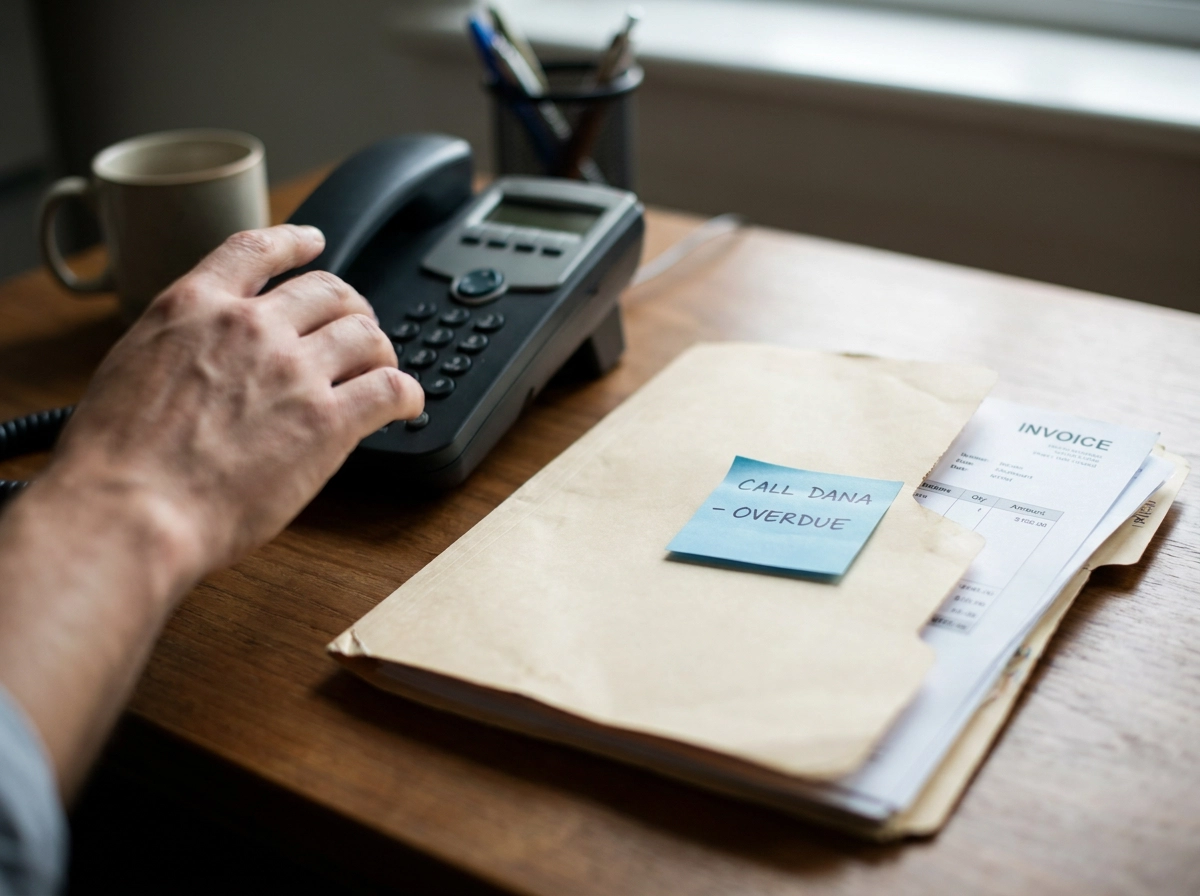
The friendly check-in didn't land? By ten to fourteen days past due, or sooner if two reminders have gone unanswered or the customer is a repeat late payer, it's time to get direct.
Subject: Invoice 1042, $680, now 12 days past due.
Body: "Hi Dana, invoice 1042 for $680 is now 12 days past due. I can take it over the phone, resend the pay link, or split it into two payments if that helps. Can you let me know which one works by Friday? Thanks, Mike."
Three changes: the day count is stated flatly, three concrete options replace a hint, and the ask has a real date attached.
When a call beats an email
Call when the invoice is big enough to hurt, when a customer answers texts about new work but stays quiet about money, or on a second late invoice this year. One line is enough: "Hi Dana, it's Mike. I'm calling about invoice 1042 for $680. Can you tell me when you can get it paid?"
Tone carries on the phone too. You're after a date and an amount, not an apology.
Make paying easy: put a card or bank transfer pay link in the same thread. Fifteen seconds beats a trip to the post office.
Stage 4: Seriously Overdue Without Sounding Like a Collector
After at least one phone call, once you're past 30 days, send the last reminder in your normal voice.
Subject: Invoice 1042, $680, payment needed this week. Body: Hi Dana, invoice 1042 for $680 is now 34 days past due. I need to have it settled by Friday, March 14. If paying in full is the problem, call me and we'll set up two payments. Otherwise I'll need to hold the next service visit until the balance clears. Mike.
Facts first, one date, one way out, one consequence you will actually carry out. No adjectives about the customer, no credit reporting threats, no lawyers unless one is involved.
A business-to-business invoice is not consumer debt, and the Fair Debt Collection Practices Act does not map onto it. Before a formal demand letter, check with an accountant or attorney. This is not legal advice.
State facts and consequences, never character judgments: "The balance is still open" is fine, "You have been ignoring me" is not.
For a customer worth keeping, agree on split payments, a deposit on the next job, or a card on file for recurring work before the balance is settled.
Subject Lines and Timing for an Overdue Invoice Reminder Email

Your stage 4 email still has to land in an inbox that gets opened. Three subject lines do that:
"Invoice 1042, $680, due today"
"Quick nudge on invoice 1042"
"Invoice 1042, $680, 12 days past due"
Each shows the invoice number and amount before the customer opens anything. Stop using "FINAL NOTICE," "OVERDUE ACCOUNT," "Regarding your outstanding balance," all caps, or anything that sounds like a billing department.
Send Tuesday through Thursday, mid-morning. That is when a shop owner or office manager is at a desk, not on a ladder. Monday mornings start bad moods. Friday afternoons get buried until next week.
Send from "Mike at Harbor Plumbing," not "billing@" or "accounts receivable." A real name gets replies faster.
Keep one thread per invoice. Send every reminder as a reply, so the original invoice, dates, and pay link stay in one conversation. Save a template for each stage. Ten seconds to send beats ten minutes to write.
Mistakes That Turn a Payment Reminder Into a Lost Customer
Good subject lines and timing only work if the message doesn't undo them. These habits turn a polite invoice follow-up email into a relationship problem.
Apologizing for asking. "Sorry to bother you again" teaches the customer that paying is a favor they're doing you, and the next invoice gets treated the same way.
Burying the amount. If they have to read to paragraph three or open an attachment to learn what they owe, the email gets closed and forgotten.
Stacking reminders. Three messages crammed into one long email after a month of silence reads as an ambush and gives the customer a long list to argue with.
Changing voice at stage three. If the first two sound like Mike and the third sounds like a law office, they notice the switch and remember it.
Letting the reminder be a surprise. Forty days of silence and then a hard notice is the fastest way to lose a repeat customer who would have paid $680 without a second thought, the same way a missed call can quietly cost you the job you lost last week.
Empty threats and nervous discounts. Threatening action you won't take, or cutting the bill just to end an awkward talk, sets a precedent for every future invoice.
That's why the wording matters less than remembering to send it at all.
When the Wording Is Easy and the Hard Part Is Remembering
Once your wording is set, the hard part isn't writing. It's remembering. For most shops, invoice 1042 comes due while you're under a sink or on a roof, and nobody sends anything at all. The day gets busy, the email never gets written, and the invoice just sits there.
That's the gap HandsFreeOS describes its follow-ups filling: they chase quotes and unpaid invoices on their own. Since invoices, deposits and maintenance plans are paid through your own Stripe or Square account, a follow-up can carry a way to pay inside the same message. The Action Center also lists what needs attention, money first, so a late invoice shows up where you're already looking instead of sitting in a sent folder nobody checks.
See the HandsFreeOS pricing page for current details. Next, a simple plan for tomorrow morning.
What to Do With This Tomorrow Morning
The wording is the easy part. Here is how to make it stick.
Pick your default. If you will only ever send one reminder, copy the stage 1 nudge and send it the morning every invoice comes due.
Copy all four samples into your email drafts today, before you need them. Writing a reminder while you are annoyed about the money is how blunt notices get sent.
Follow the four rules every time: short, good faith, invoice number and amount up front, and escalate in stages with the same voice throughout.
Keep one thread per invoice, send from a real name, and never let a customer be surprised by a hard notice after weeks of silence. Make paying as easy as booking. The same thinking behind online booking pages for service contractors applies here.
Before anything that looks like a formal demand, check with an accountant or attorney on your own situation. B2B invoices and consumer debt are handled differently.
Start free at handsfreeos.com and let the follow-ups go out while you are on the job.
Conclusion
A friendly reminder is not a nuisance; it is customer service. The goal is to get paid without making the customer feel chased. Keep the message short, state the invoice number and amount up front, and escalate in clear stages while keeping the same helpful voice. Never let a customer be surprised by a firm notice after weeks of silence.
The wording is the easy part. Remembering to send it on a busy day is what costs you money. Copy the sample emails into your drafts today so you are not writing a reminder while you are annoyed about the money.
HandsFreeOS can handle the follow-ups so invoices do not sit in a sent folder. Start free at handsfreeos.com and get back to the job.